Artificial Light Photography: Complete Guide for 2026
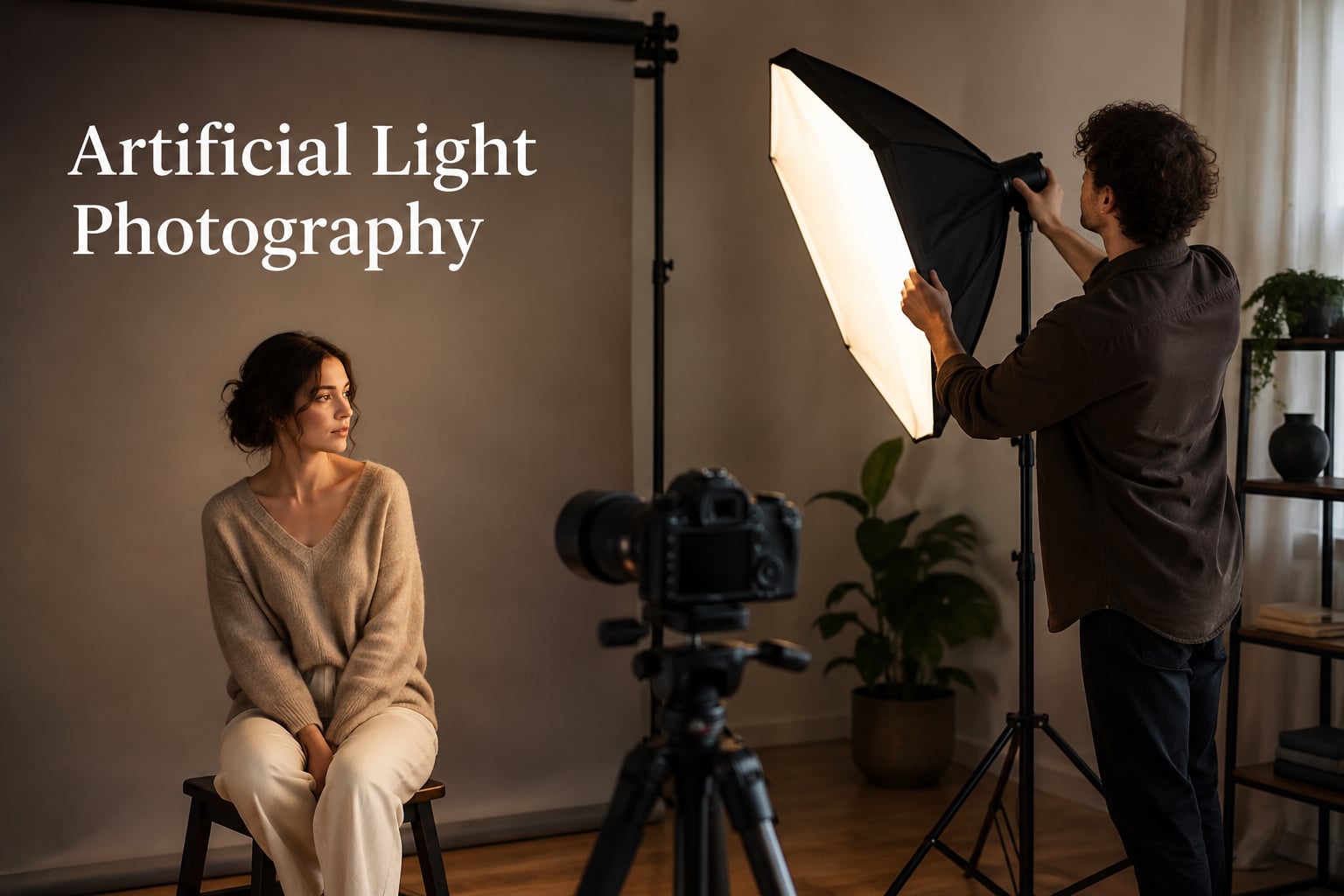
Artificial light photography uses man-made light sources such as flashes, LED panels, and strobes to illuminate your subject instead of…

When I first picked up a DSLR, the RAW vs JPEG debate felt like a riddle with no clean answer. I shot JPEGs for two years before I understood what I was leaving on the table. Now, after logging thousands of frames in both formats, I can tell you this: the choice between RAW and JPEG shapes everything from how you shoot to how you finish an image. In this 2026 guide, I’ll break down exactly what each format is, how they differ, and when each one earns its keep on your memory card.
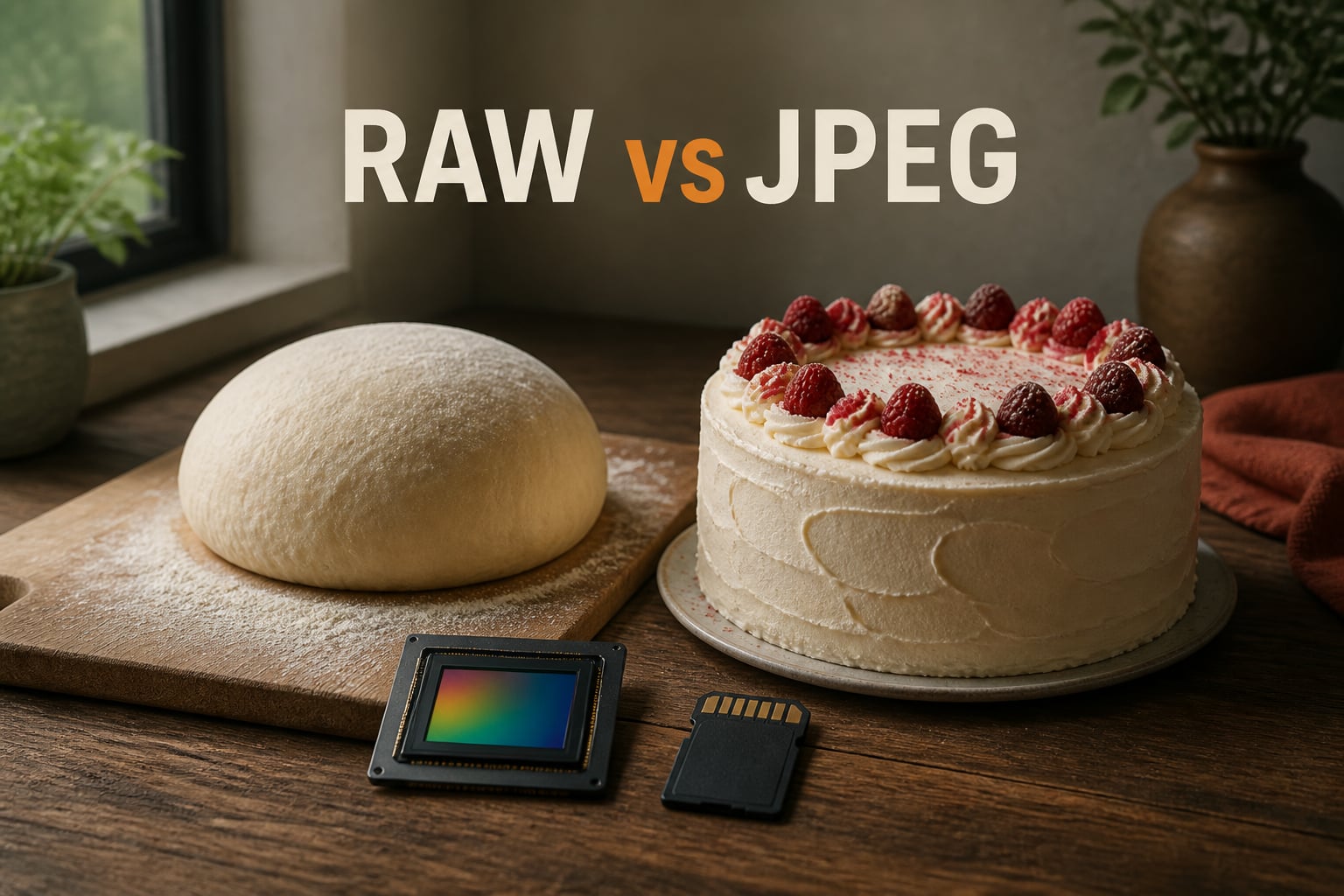
Think of it this way. RAW is the dough before it hits the oven. JPEG is the finished cake. The dough gives you endless options for shaping, flavoring, and reworking. The cake is already baked. Both are valid; they simply aren’t interchangeable.
JPEG is a processed, compressed image file that your camera creates automatically the moment you press the shutter.
Inside the camera, a tiny image processor takes the raw signal from the sensor, runs it through a series of adjustments (white balance, contrast, saturation, sharpening, noise reduction), and then applies lossy compression to shrink the file. By the time the JPEG lands on your card, roughly 80 to 90% of the original sensor data has been thrown away. What remains is a viewable, shareable image that needs no extra work.
JPEG files use 8-bit color depth, which means each color channel stores 256 tonal values. That sounds generous until you compare it to what the sensor actually captures.
A RAW file is the unprocessed sensor data, saved almost exactly as the camera captured it.
Light hits the sensor through a Bayer filter, which separates the image into red, green, and blue color filters at each pixel site. The sensor records voltage values for each pixel, and that raw data gets written to your card without the camera’s image processor making permanent adjustments to it. The result is a file with 12-bit or 14-bit color depth (depending on your camera), giving you 4,096 to 16,384 tonal values per channel instead of JPEG’s 256.
That extra data is the entire reason RAW exists. You get more dynamic range, more highlight detail before clipping, and far more shadow recovery. You can re-set white balance after the fact without image quality loss. You can pull exposure back from a mistake that would be unrecoverable in JPEG. The trade-off is size and effort: RAW files are 2 to 6 times larger than JPEGs, and they need post-processing before anyone outside your editing app can view them.
Here is the side-by-side comparison that matters most when you’re deciding what to set on your camera.
RAW earns its keep when the conditions are tough or the final image matters more than the workflow speed.
JPEG still wins when speed, file size, and instant shareability matter more than maximum editing flexibility.
Almost every modern camera lets you save both formats from the same shot. I run RAW+JPEG as my default for client work, and I’ve found that workflow resolves most of the RAW vs JPEG debate in practice.
The JPEG becomes your safety file: ready to share, ready to post, and good enough for proofing on the same day. The RAW sits on your drive as the master file you edit later when time allows. If your camera writes them to the same card, expect buffer speeds to drop roughly 30% compared to JPEG alone. A second card or a faster UHS-II card solves that easily. Experienced shooters on Reddit’s r/photography routinely call this the safest workflow for weddings, where the timeline is unpredictable and there are no second chances.
Format choice affects your gear, not just your images. RAW files eat memory cards three to four times faster than JPEGs. A 128 GB card holds roughly 3,000 RAWs from a high-resolution body, but closer to 10,000 JPEGs.
Buffer performance changes too. JPEG uses less write throughput, so your camera clears the buffer between bursts and maintains its rated frames-per-second longer. RAW files fill the buffer faster, especially on entry-level cameras with smaller buffers. If you shoot a lot of continuous bursts, factor this in. Over a year, the storage cost difference is real: a photographer shooting 50,000 frames annually might need an extra 1 to 2 TB of drive space shooting RAW. That’s worth knowing before you commit to a format.
Neither is universally best. RAW is better when you need maximum editing flexibility, shadow and highlight recovery, and large prints. JPEG is better when you need small files, fast burst rates, and images ready to share immediately. Most working photographers use RAW, but RAW plus JPEG gives you both.
Photographers shoot RAW because the file preserves 12 to 14 bits of color data per channel instead of 8. That extra data lets you recover blown highlights, lift deep shadows, adjust white balance non-destructively, and make exposure corrections that would destroy a JPEG. RAW also uses lossless compression, so no original sensor data is thrown away.
Straight out of camera, RAW files often look flatter and less colorful than JPEGs because the camera hasn’t applied contrast, saturation, or sharpening yet. After post-processing, RAW images typically look better than JPEGs because you’re working from more data. The advantage grows in difficult lighting and large prints.
You don’t need both, though many photographers prefer it. Shooting RAW plus JPEG gives you a ready-to-share JPEG immediately and a master RAW file for editing later. The trade-off is larger files and slower buffer clearing. For casual shooting, JPEG alone is fine. For client work or irreplaceable moments, RAW plus JPEG is the safest choice.
Beginners can start with JPEG to focus on composition and exposure without learning editing software. Once you’re comfortable with camera settings and want to learn Lightroom or another editor, switch to RAW. Many beginners shoot RAW plus JPEG so they have usable JPEGs while they’re learning to edit the RAW files.
The RAW vs JPEG decision comes down to how much editing you plan to do and how much you value the extra quality. If you shoot once-in-a-lifetime moments, edit your work, or print often, RAW is the clear winner. If you shoot fast action or want files ready to share, JPEG still earns its spot. For most photographers in 2026, the smartest move is RAW plus JPEG, so you always have a finished image and a master file to edit when time allows. Pick the format that matches your workflow, learn its strengths, and your camera will reward you with better images from the first frame.